Pipelines Overview
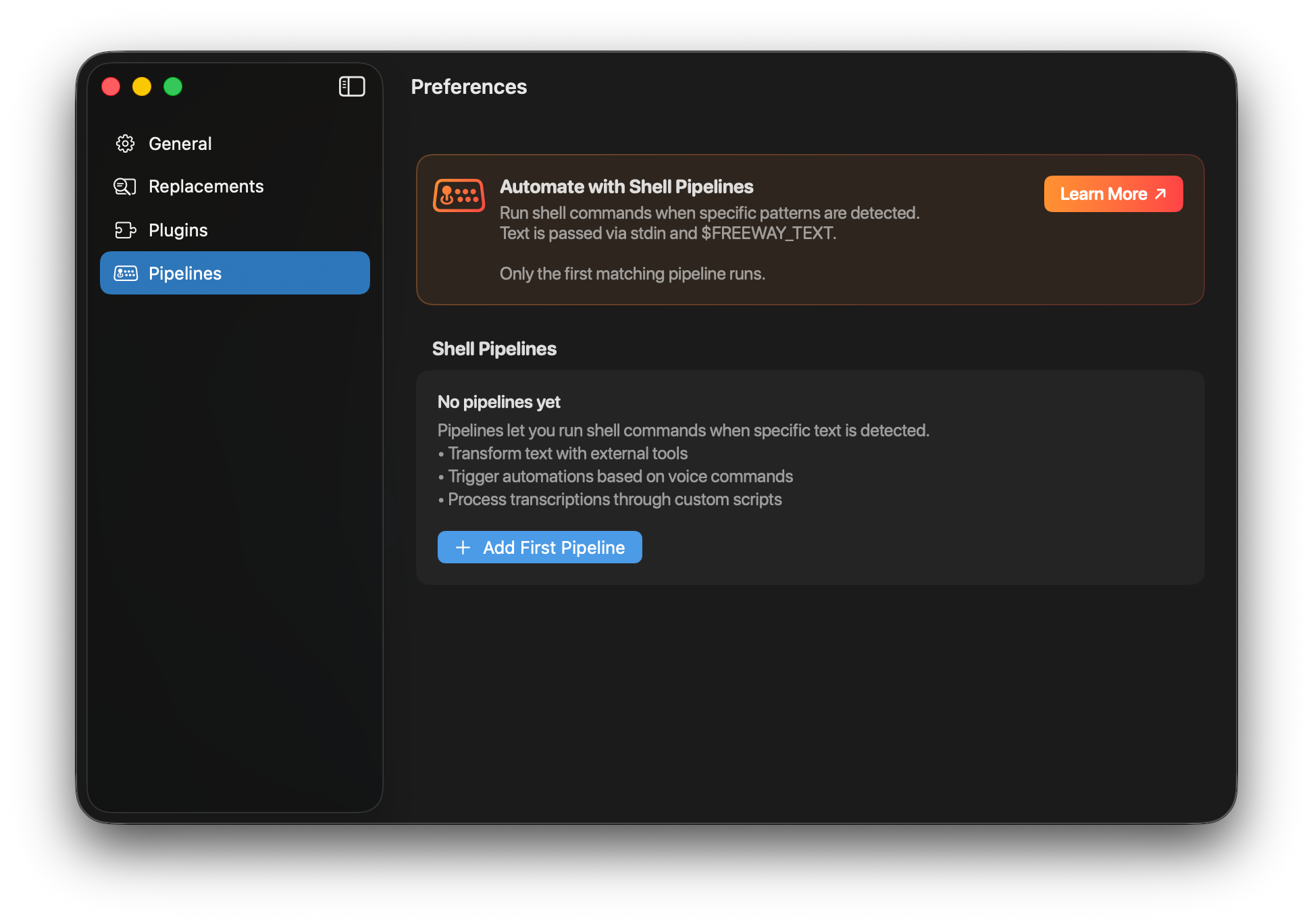
Pipelines let you run shell commands when specific patterns are detected in your transcriptions. This is a powerful way to trigger automations, transform text, or control your Mac — all with your voice.
What Are Pipelines?
Section titled “What Are Pipelines?”A pipeline is a shell command that runs when your transcribed text matches a specific pattern. The transcribed text is passed to your command via stdin and the $FREEWAY_TEXT environment variable.
Key features:
- Pattern matching with multiple match types
- Text transformation via stdout
- Shell command flexibility
- First-match-wins execution
How Pipelines Work
Section titled “How Pipelines Work”┌─────────────┐ ┌──────────────┐ ┌─────────────┐│ You speak │ ──▶ │ Transcribe │ ──▶ │ Pattern │└─────────────┘ └──────────────┘ │ Match? │ └──────┬──────┘ │ ┌────────────────────────────────┴────────────────┐ │ │ ▼ ▼ ┌──────────┐ ┌──────────┐ │ Yes │ │ No │ └────┬─────┘ └────┬─────┘ │ │ ▼ ▼ ┌─────────────────┐ ┌─────────────────┐ │ Run shell cmd │ │ Normal paste │ │ with text input │ │ (or next │ └────────┬────────┘ │ pipeline) │ │ └─────────────────┘ ▼ ┌─────────────────────────────┐ │ Has stdout? ──▶ Paste it │ │ Empty output? ──▶ Skip │ │ Error? ──▶ Normal paste │ └─────────────────────────────┘Match Types
Section titled “Match Types”Pipelines support five match types:
| Match Type | Description | Example Pattern | Matches |
|---|---|---|---|
| Starts with | Text begins with pattern | open | ”open terminal”, “open finder” |
| Ends with | Text ends with pattern | please | ”translate this please”, “help me please” |
| Exact match | Text equals pattern exactly | toggle dark mode | Only “toggle dark mode” |
| Contains | Pattern appears anywhere | weather | ”what’s the weather”, “weather today” |
| Regex | Regular expression match | ^open (.+)$ | ”open terminal”, captures “terminal” |
All matching is case-insensitive and punctuation is ignored.
Pipeline Execution
Section titled “Pipeline Execution”Text Input
Section titled “Text Input”Your shell command receives the transcribed text in two ways:
- stdin — Piped to your command
- $FREEWAY_TEXT — Environment variable
# Using stdincat | tr '[:lower:]' '[:upper:]'
# Using environment variableecho "$FREEWAY_TEXT" | tr '[:lower:]' '[:upper:]'
Output Handling
Section titled “Output Handling”| Scenario | What Happens |
|---|---|
| Command succeeds with output | stdout is pasted instead of original text |
| Command succeeds with empty output | Nothing is pasted (skip paste) |
| Command fails | Original text is pasted |
First Match Wins
Section titled “First Match Wins”Only the first matching pipeline runs. If you have multiple pipelines that could match, the one that appears first in the list wins.
Drag and drop pipelines to reorder them.
Quick Examples
Section titled “Quick Examples”Uppercase Text
Section titled “Uppercase Text”Trigger: “uppercase” (Contains)
tr '[:lower:]' '[:upper:]'Current Date
Section titled “Current Date”Trigger: “what’s the date” (Exact match)
date "+%A, %B %d, %Y"Copy to Clipboard Only
Section titled “Copy to Clipboard Only”Trigger: “just copy” (Starts with)
pbcopy# Empty stdout = skip pasteOpen URL
Section titled “Open URL”Trigger: “open google” (Exact match)
open "https://google.com"# Empty stdout = skip pasteNext Steps
Section titled “Next Steps”- Creating Pipelines — Step-by-step guide to building pipelines
- Examples & Ideas — Ready-to-use pipelines and inspiration
- Troubleshooting — Common issues and solutions