Plugins Overview
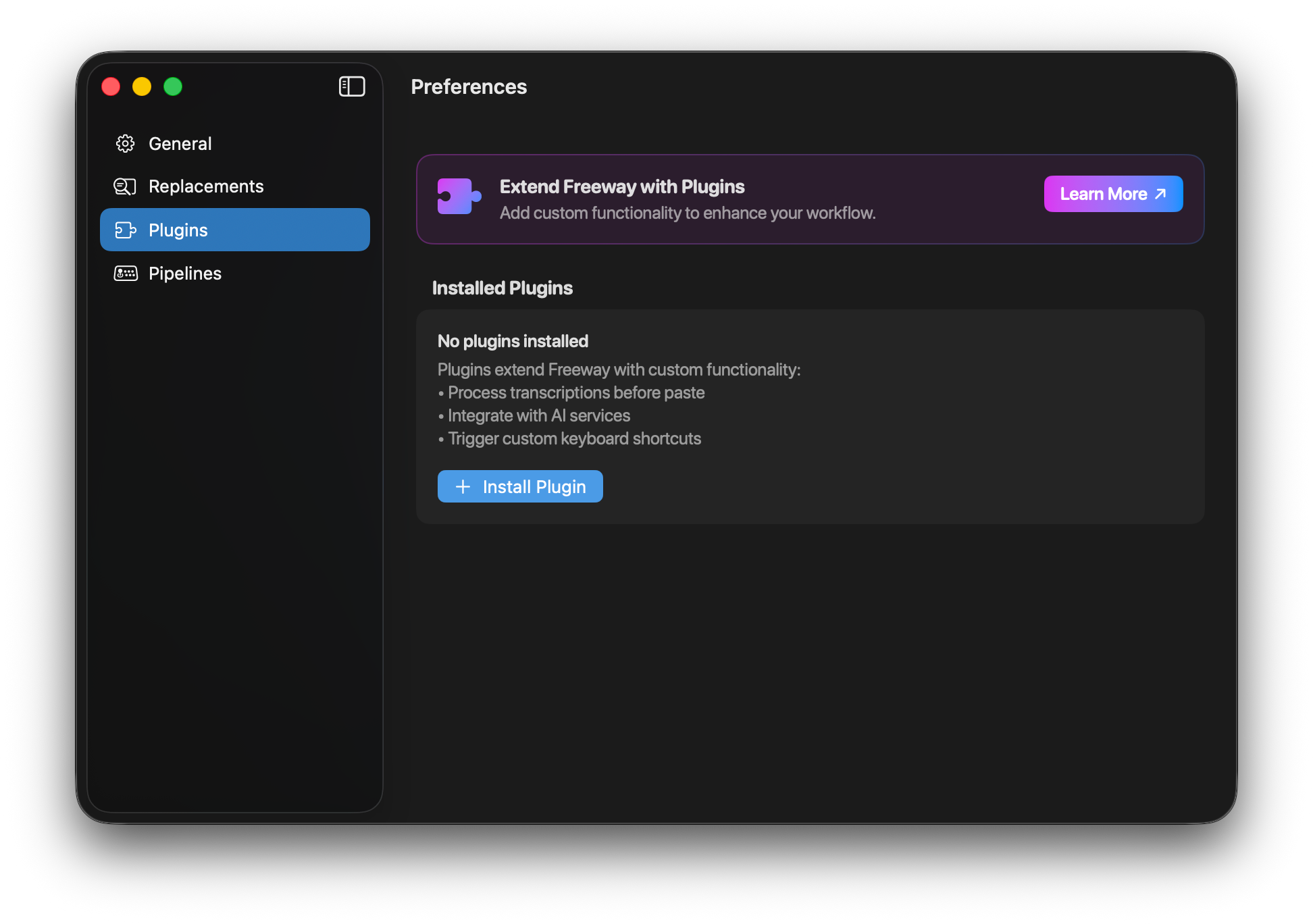
Plugins are the most powerful way to extend Freeway. They let you run custom Python code at various points in the transcription pipeline — from modifying text before it’s pasted to integrating with external AI services.
What Can Plugins Do?
Section titled “What Can Plugins Do?”Plugins can:
- Transform text — Fix grammar, translate languages, format code
- Integrate with AI — Send text to OpenAI, Claude, or other LLMs for enhancement
- Trigger actions — Press keyboard shortcuts, run scripts, control other apps
- Cancel operations — Intercept voice commands to trigger system actions instead of pasting text
- Show feedback — Display status messages and change the menu bar indicator color
Plugin Structure
Section titled “Plugin Structure”Every plugin consists of a folder containing at minimum two files:
my-plugin/├── meta.json # Plugin metadata and settings schema├── plugin.py # Main plugin code├── settings.json # User settings (auto-generated)└── venv/ # Python virtual environment (auto-created)meta.json
Section titled “meta.json”Defines your plugin’s metadata, hooks, dependencies, trigger, and settings UI:
{ "name": "My Plugin", "description": "Brief description of what the plugin does", "instructions": "Detailed setup instructions (optional)", "hooks": ["before_paste"], "dependencies": ["requests", "openai"], "trigger": { "pattern": "hey assistant", "matchType": "startsWith" }, "author": { "name": "Your Name", "url": "https://yourwebsite.com", }, "settings": [ { "type": "input", "name": "api_key", "label": "API Key", "required": true, "help_text": "Your API key" } ]}plugin.py
Section titled “plugin.py”Contains the Python functions that Freeway calls at each hook point:
import freeway
def before_paste():    """Called after transcription, before pasting."""    text = freeway.get_text()    freeway.set_text(text.upper())    freeway.log("Converted to uppercase")
Available Hooks
Section titled “Available Hooks”Plugins can hook into various points in the transcription pipeline:
| Hook | When It Runs | Can Modify Text | Can Cancel |
|---|---|---|---|
before_recording | Before audio capture starts | No | Yes |
before_transcribe | After recording, before ML processing | No | Yes |
before_paste | After transcription, before paste | Yes | Yes |
after_paste | After text is pasted | No | No |
on_stop_recording | End of recording session | No | No |
Most Common Hook: before_paste
Section titled “Most Common Hook: before_paste”Most plugins use the before_paste hook because it has access to the transcribed text and can modify it before it’s pasted.
Installing Plugins
Section titled “Installing Plugins”From ZIP File
Section titled “From ZIP File”- Open Freeway Preferences → Plugins tab
- Click Install Plugin (.zip)
- Select your plugin ZIP file
- Configure any required settings
- Enable the plugin
Manual Installation
Section titled “Manual Installation”- Create your plugin folder in your App Data Location:
~/Library/Application Support/Freeway/Plugins/my-plugin/
- Add your
meta.jsonandplugin.pyfiles - Restart Freeway or click Reload Plugins
Trigger Patterns
Section titled “Trigger Patterns”Plugins can be configured to only run when the transcribed text matches a specific pattern. This is useful for creating voice commands or context-specific plugins.
{ "trigger": { "pattern": "hey freeway", "matchType": "startsWith" }}| Match Type | Description |
|---|---|
startsWith | Text must start with the pattern |
endsWith | Text must end with the pattern |
match | Text must exactly match the pattern |
contains | Text must contain the pattern anywhere (default) |
regex | Pattern is treated as a regular expression |
If no trigger is specified, the plugin runs on every transcription. Users can override trigger settings in the plugin preferences.
Plugin Execution Order
Section titled “Plugin Execution Order”When multiple plugins are enabled:
- Plugins run in the order shown in the Plugins list
- Each plugin receives the text from the previous plugin
- You can drag and drop to reorder plugins
- Use
freeway.stop_chain()to prevent subsequent plugins from running
Virtual Environments
Section titled “Virtual Environments”Freeway automatically creates a Python virtual environment for each plugin. Dependencies listed in meta.json are installed into this venv.
{ "dependencies": ["requests", "openai", "beautifulsoup4"]}This ensures plugins are isolated and don’t conflict with each other or your system Python.
Next Steps
Section titled “Next Steps”- Creating Plugins — Step-by-step guide to building your first plugin
- API Reference — Complete documentation of all
freeway.*methods - Examples & Ideas — Ready-to-use plugins and inspiration